
Home · Steam games · Occupy Mars: The Game
Occupy Mars: The Game
How to receive the gift
- Pay for the order and enter a link to your Steam profile on the delivery page (steamcommunity.com/id/… or steamcommunity.com/profiles/…).
- The bot will send the gift to this account.
- Accept the gift in Steam (a notification arrives in the client and by e-mail) — the game will appear in your library.
The gift region must match your Steam account region — otherwise the gift cannot be accepted.
- Developer
- ▲ Pyramid Games
- Publisher
- ▲ Pyramid Games, PlayWay S.A.
- Release date
- 30 Jan, 2026
- Genres
- Indie, Simulation
- Russian language
- Yes, interface and subtitles
- Steam App ID
- 758690
Game languages
- English
- Russian
- English
- Spanish
- French
- German
- Portuguese
- Italian
- Polish
- Turkish
- Китайский (упр.)
- Danish
- Portuguese (Brazil)
- Румынский
- Украинский
Languages are listed according to Steam data. Check them before buying: no refund is possible once the game has been sent.
About the game
Occupy Mars is a complex open-world sandbox survival game for fans of the genre.

Occupy Mars is a technical, open-world sandbox, survival game about Mars colonization inspired by the most promising technologies and companies that are working towards the goal of humanity becoming a multi-planet species.
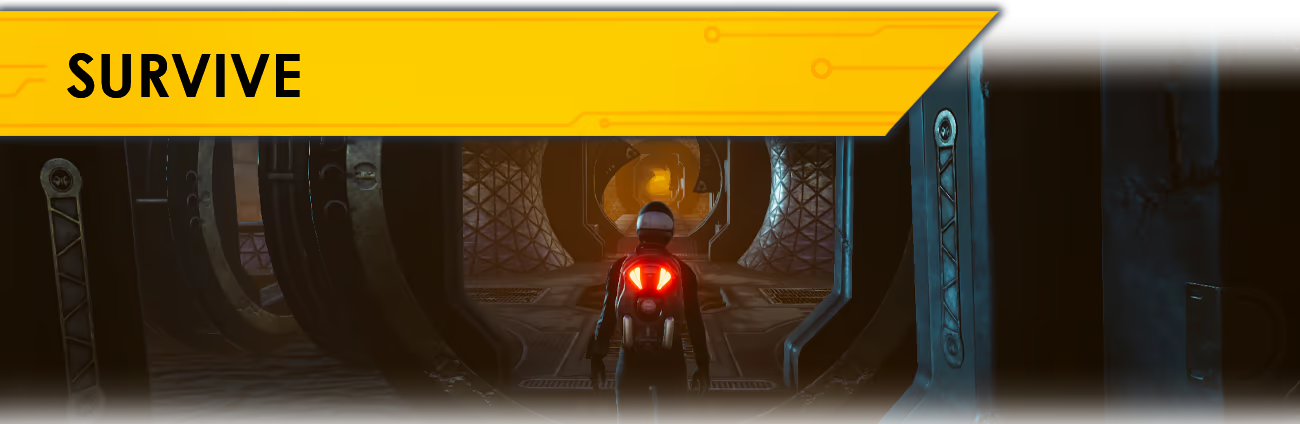
Survive and colonize Mars alone or in Online Co-Op.
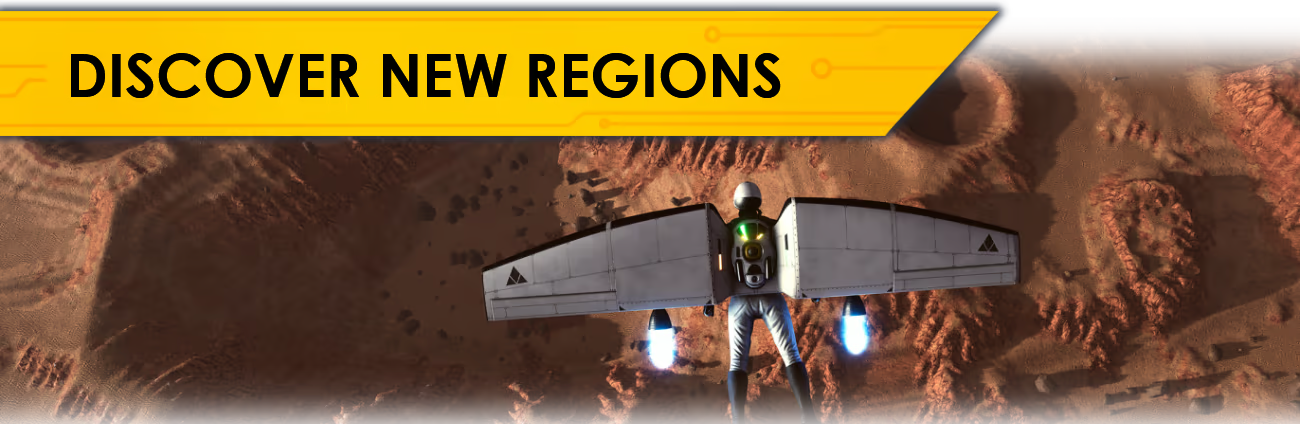
Explore different regions of Mars while searching for valuable resources, discover mining sites, and find the best place to build a city. Remember that you need to find a relatively leveled area with good access to underground water in a place where temperatures don't drop too much during the night.
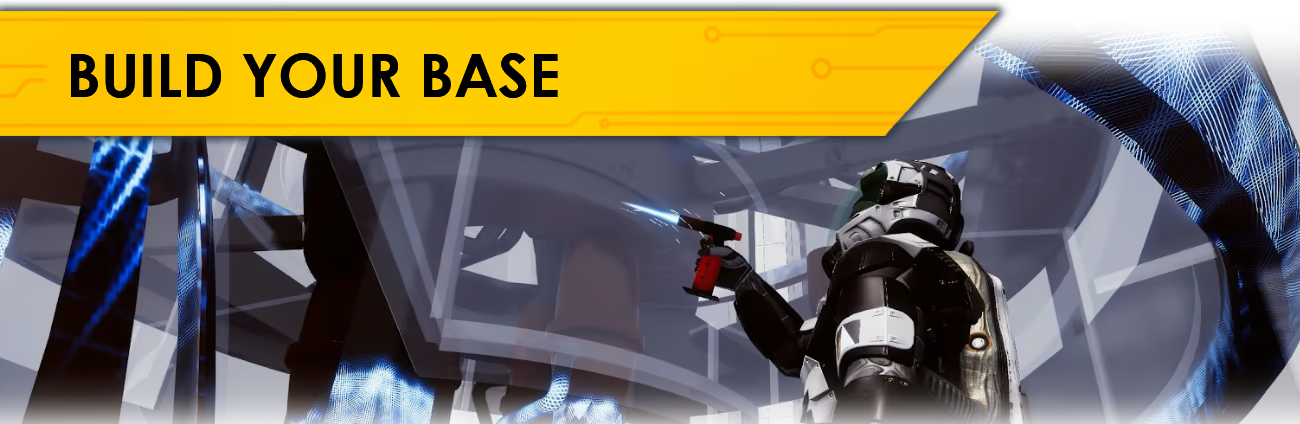
Build and upgrade your base, craft equipment, mine resources, produce water, oxygen and food, explore an open world, and repair complex machinery in a technical survival sandbox.
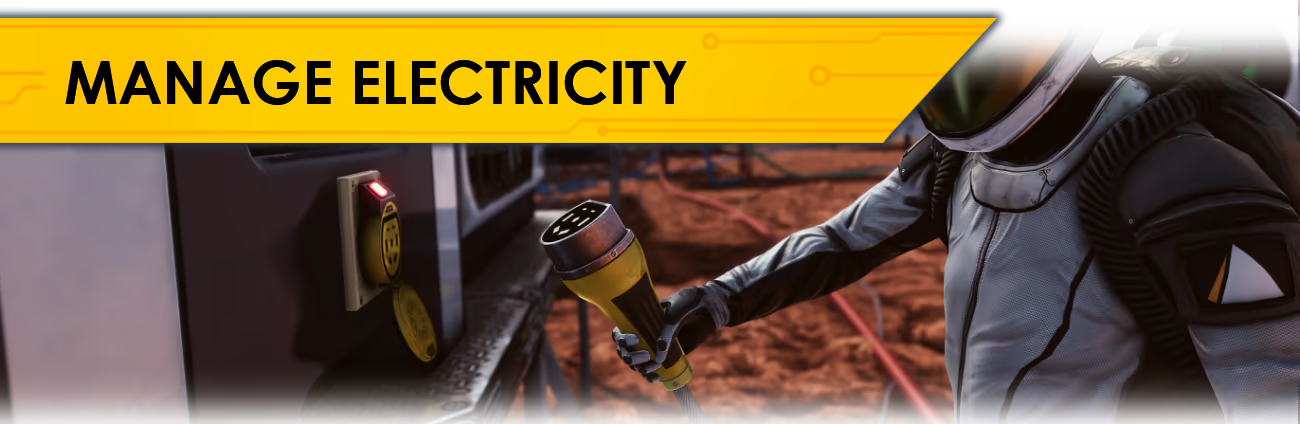
Manage your energy production and build your electricity grid. Make sure that there is enough water, oxygen, power, and food to survive.
Fix broken parts using realistic electronic components and tools. Learn the basics soldering, using hot air, measurement tools, and all the details necessary to fix your equipment.
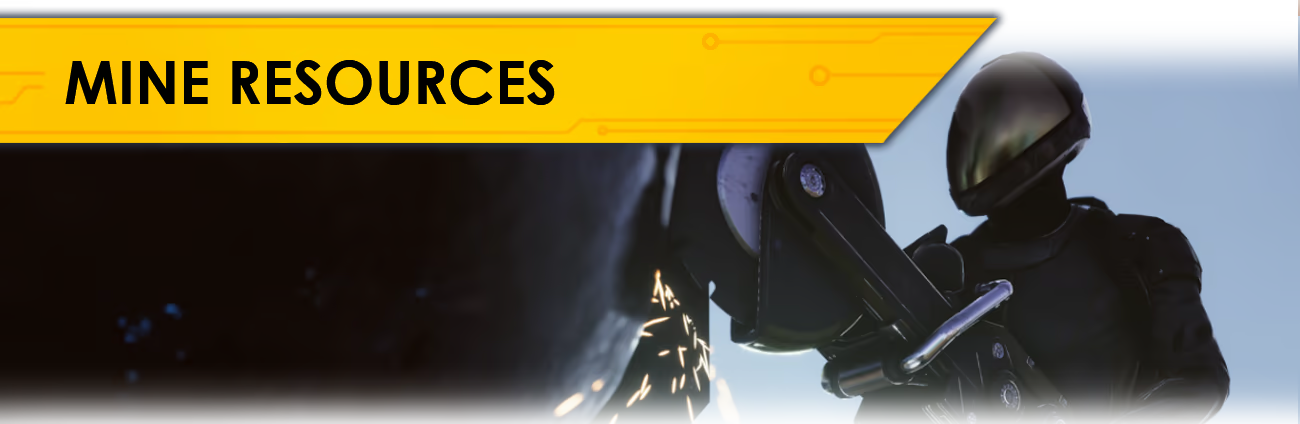
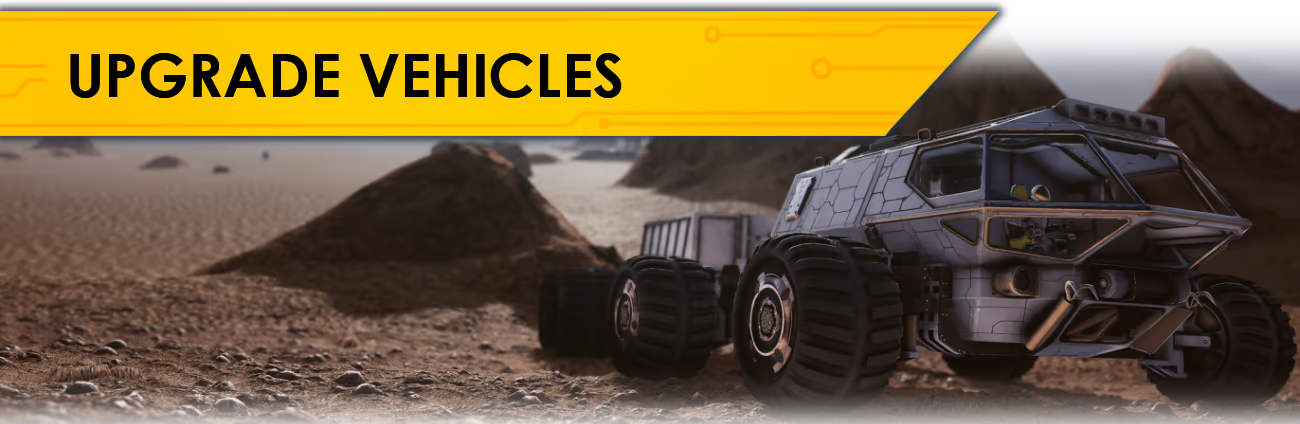
Upgrade your vehicles and equipment in your garage. Organize your workshop and modify your rover. Change crane hydraulics, operate the robotic arm, dig for valuable resources, build mining rigs, and more...
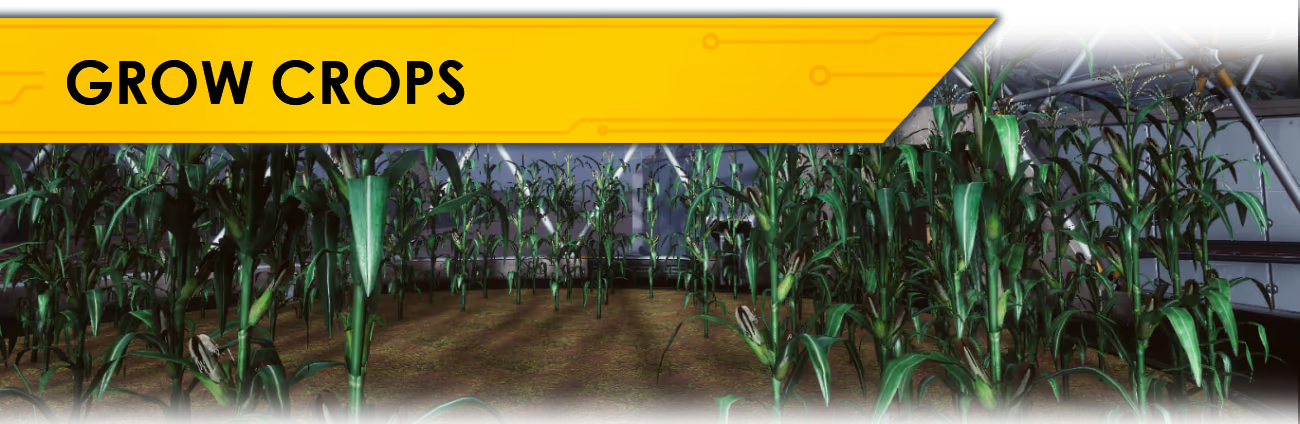
Build greenhouses, oxygen tanks, fuel generators, connect all the pipes and cables, and remember about proper cable management. Grow your own food.
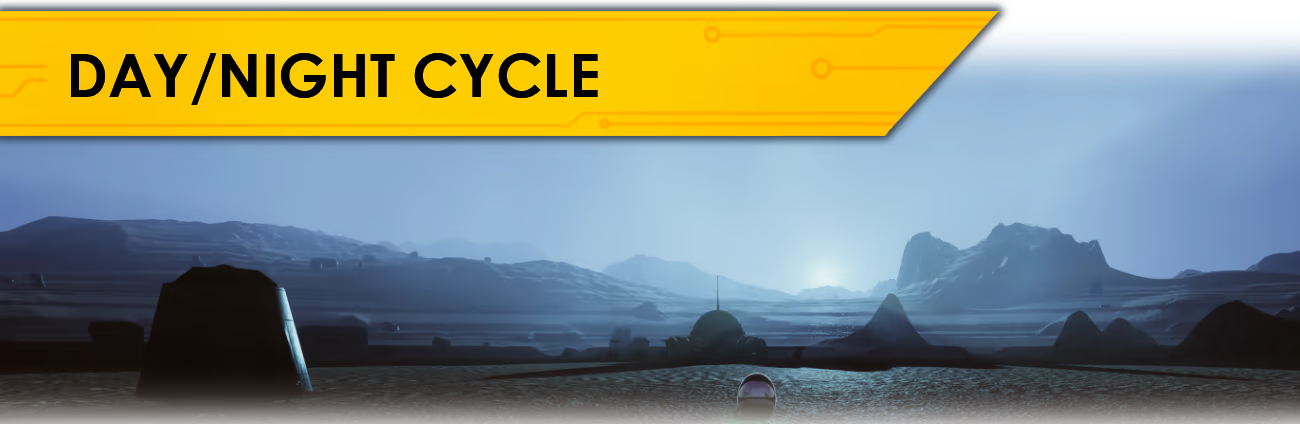
Experience an open-world sandbox game with a realistic day/night cycle and overcome real challenges that colonists face. Build solar arrays and batteries for energy storage, upgrade them, and find the optimal way to power your colony.
Occupying Mars is not always easy. Sometimes things will explode, break or not go exactly as planned. Learn to cope with "Rapid Unscheduled Disassembly.” Sometimes you have to really act quickly before you run out of air, food, or energy.
...but most importantly HAVE FUN on Mars!
System requirements
WindowsCommon questions
Does Occupy Mars: The Game have Russian language support?
Voice-over: English. Interface and subtitles: Russian, English, Spanish, French, German, Portuguese, Italian, Polish, Turkish, Китайский (упр.), Danish, Portuguese (Brazil), Румынский, Украинский.
What is a Steam gift and how is it different from a key?
A gift is a present our bot sends straight to your Steam account via your profile link: no code to enter, the game appears in your library once you accept the gift. A key is an activation code you enter yourself in the Steam client.
Which gift region should I choose?
The one your Steam account is registered in: Steam will not accept a gift from another region. The region is shown in your Steam account settings under "Store country". "CIS countries" means Belarus, Armenia, Georgia and other CIS countries.
How will I receive the gift?
After payment you enter a link to your Steam profile and the bot sends the gift straight to the account — you only need to accept it in Steam. It usually takes 2–5 minutes, around the clock.
What if the account already has this game?
Steam will not let you accept a gift of a game already in your library — check the library before buying. If it happens, write in the order chat: we will refund you.
Countries where the key activates
Key region: —
Similar items
 Sold: 1
RU
Sold: 1
RU
 RU
RU
 RURU
RURU

 RU
RU
 RU
RU
 RU
RU
 RU
RU
 −25%
RU
−25%
RU
 RU
RU
 RU
RU

 RU
RU
 RU
RU