Sync your orders, codes, support chat and favourites with the mini app
Our Telegram app will open. No phone number or password needed.
The account opens by itself after your first order: open “Orders” and enter the code from the email.
Enter the email you used at checkout — we will send a code to it and show the status and total of each order.
We have sent a code to . Enter it to open your orders. The code only goes to the email the order was placed with — if there is no letter, check your spam folder and the address itself.
Pay for the order and enter a link to your Steam profile on the delivery page (steamcommunity.com/id/… or steamcommunity.com/profiles/…).
The bot will send the gift to this account.
Accept the gift in Steam (a notification arrives in the client and by e-mail) — the game will appear in your library.
The gift region must match your Steam account region — otherwise the gift cannot be accepted.
Developer
Doku Games LTD
Publisher
Doku Games LTD
Release date
22 Jan, 2026
Genres
Action, Indie, Early Access
Russian language
No
Steam App ID
1670780
Game languages
Voice-over
English
Interface and subtitles
English
Languages are listed according to Steam data. Check them before buying: no refund is possible once the game has been sent.
About the game
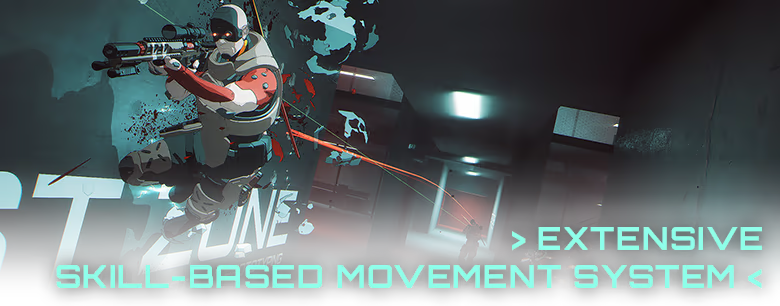
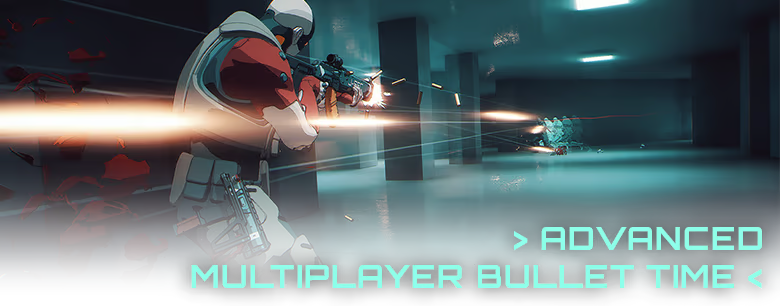
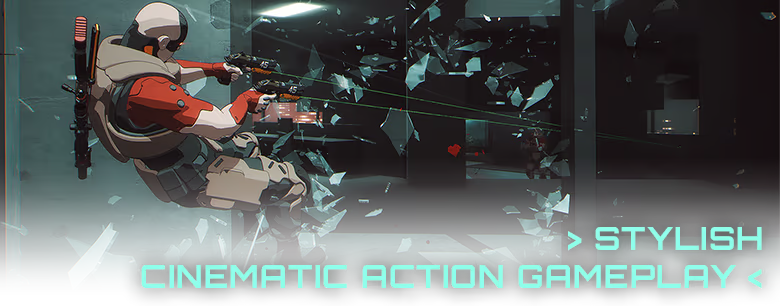
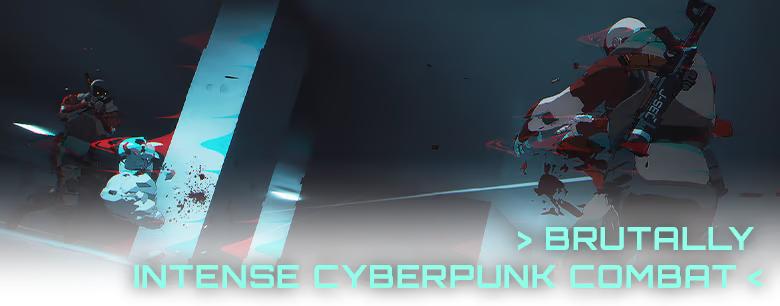
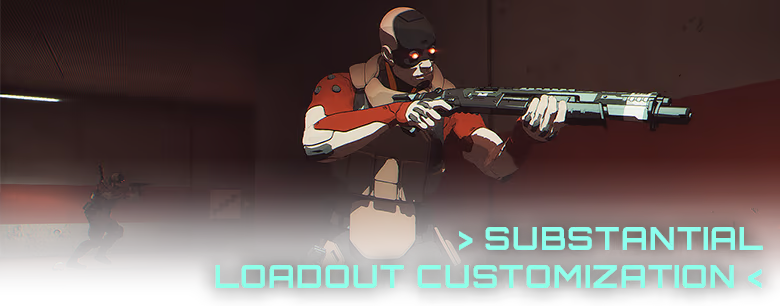
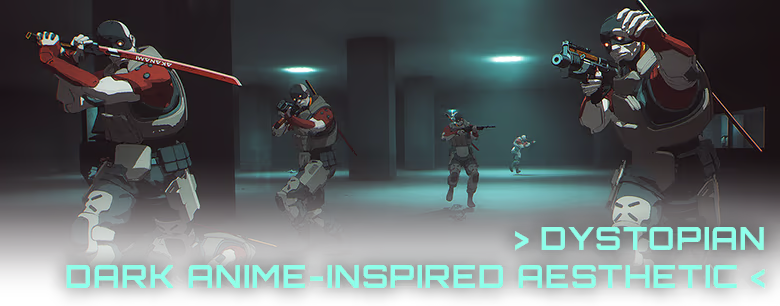
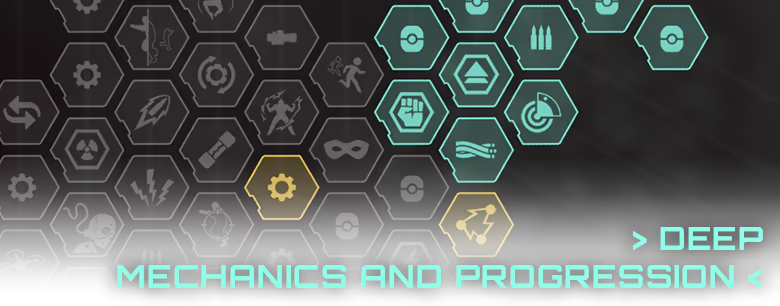
Out of Action is a fast-paced PvP FPS built around skill-based movement, deep build crafting, and long-term player mastery. Customize your playstyle with a wide range of build options and progression choices, then test your creations in cinematic, high-intensity firefights set in a brutal cyberpunk world inspired by 90s dystopian anime. A fully replayable offline mode is also available.
Designed for players who enjoy improving, experimenting, and pushing mechanics to their limits.
FEATURING
System requirements
Windows
MinimumRecommended
OS64-bit Windows 1064-bit Windows 10
ProcessorIntel i5-6600 or AMD Ryzen 5 1600Intel i5-9600K or AMD Ryzen 5 3600
Memory8 GB RAM16 GB RAM
GraphicsNVIDIA GTX 970 or AMD RX 570NVIDIA GTX 1660 or AMD RX 5600 XT
DirectXVersion 11Version 11
NetworkBroadband Internet connectionBroadband Internet connection
Storage5 GB available space5 GB available space
Common questions
Does Out of Action have Russian language support?
Voice-over: English. Interface and subtitles: English.
What is a Steam gift and how is it different from a key?
A gift is a present our bot sends straight to your Steam account via your profile link: no code to enter, the game appears in your library once you accept the gift. A key is an activation code you enter yourself in the Steam client.
Which gift region should I choose?
The one your Steam account is registered in: Steam will not accept a gift from another region. The region is shown in your Steam account settings under "Store country". "CIS countries" means Belarus, Armenia, Georgia and other CIS countries.
How will I receive the gift?
After payment you enter a link to your Steam profile and the bot sends the gift straight to the account — you only need to accept it in Steam. It usually takes 2–5 minutes, around the clock.
What if the account already has this game?
Steam will not let you accept a gift of a game already in your library — check the library before buying. If it happens, write in the order chat: we will refund you.
Countries where the key activates
Key region:—
Nothing found
Steam account region
Edition
Quantity
Fill in this field
Fill in this field
Server
No gift for this region right now — pick another region.
Enter the email you used at checkout — we will show your orders and open a chat with support.
We have sent a code to . Enter it to open your orders. You only need the code once — after that this browser will recognise you on its own. The letter only goes to the email the order was placed with.
The chat opens once the order is paid.
We use cookies to keep the site working and to remember your favourites,
your orders and settings. Analytics are switched on only with your consent. Details are
in our privacy policy.

 RU
RU
 Sold: 1
RU
Sold: 1
RU
 RU
RU
 −20%
RU
−20%
RU
 RURU
RURU
 RU
RU
 −19%
−19%

 −48%
RU
−48%
RU
 RU
RU
 −10%
RU
−10%
RU
 RU
RU
 −10%
RU
−10%
RU