Home · Steam games · PC Building Simulator
PC Building Simulator
How to receive the gift
- Pay for the order and enter a link to your Steam profile on the delivery page (steamcommunity.com/id/… or steamcommunity.com/profiles/…).
- The bot will send the gift to this account.
- Accept the gift in Steam (a notification arrives in the client and by e-mail) — the game will appear in your library.
The gift region must match your Steam account region — otherwise the gift cannot be accepted.
- Developer
- Claudiu Kiss, The Irregular Corporation
- Publisher
- The Irregular Corporation
- Release date
- 29 Jan, 2019
- Genres
- Indie, Simulation
- Russian language
- Yes, interface and subtitles
- Steam App ID
- 621060
Game languages
- Russian
- English
- Spanish
- French
- German
- Polish
- Japanese
- Korean
- Китайский (упр.)
- Portuguese (Brazil)
Languages are listed according to Steam data. Check them before buying: no refund is possible once the game has been sent.
About the game

Build your very own PC empire, from simple diagnosis and repairs to bespoke, boutique creations that would be the envy of any enthusiast. With an ever-expanding marketplace full of real-world components you can finally stop dreaming of that ultimate PC and get out there, build it and see how it benchmarks in 3DMark!
PC Building Simulator has already enjoyed viral success with over 650,000+ downloads of its pre-alpha demo and has now been lovingly developed into a fully-fledged simulation to allow you to build the PC of your dreams.
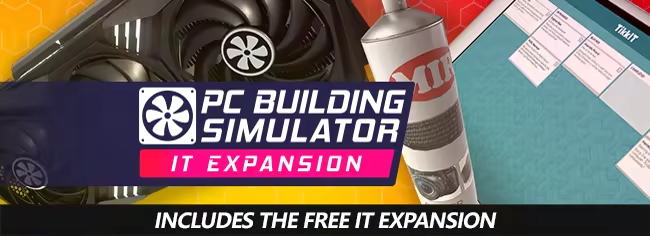
Take charge of IT support for Irratech Corp in the IT Expansion which features over 20 hours of additional story content, included in PC Building Simulator completely for free.


The career mode in PC Building Simulator puts you in charge of your very own PC building and repair business. From your own cozy workshop, you must use all your technical skills to complete the various jobs that come your way.
Customers will provide you with a range of jobs from simple upgrades and repairs to full system builds which you must complete while balancing your books to ensure you are still making a profit!

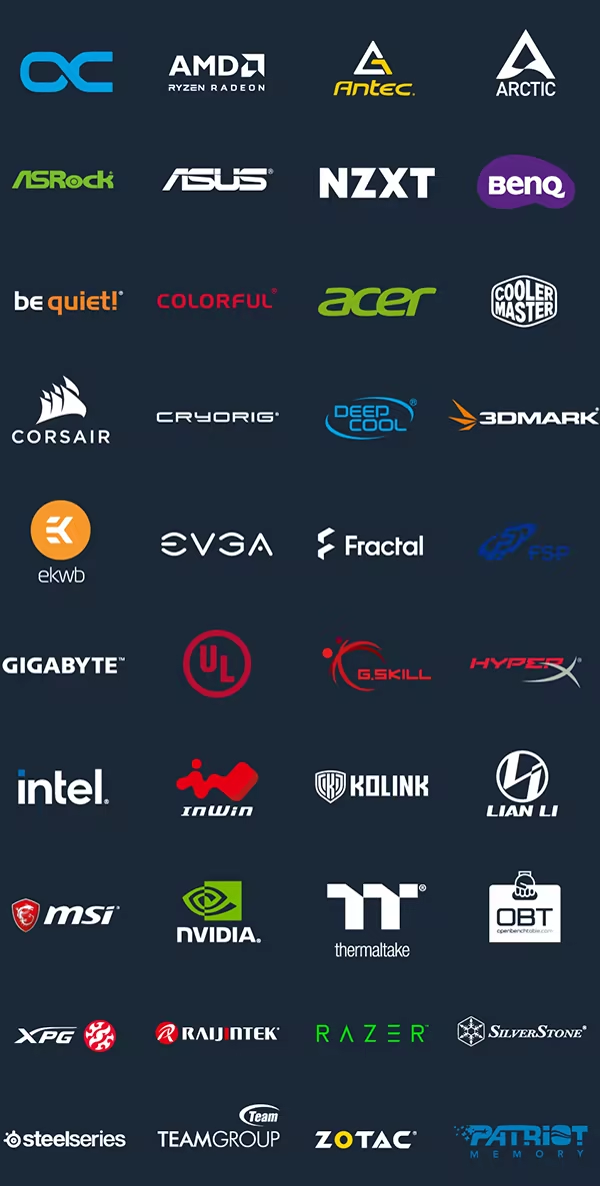
PC Building Simulator will allow you to experiment with a large selection of accurately modelled, fully licensed parts from your favourite real-world manufacturers.
If money was no object, what would you build?
Build your PC from the case up with your favourite parts and express your building flair by choosing your favourite LED and cabling colors to really make it stand out. Choose from a range of air and water cooling solutions to keep it cool or even go all out with fully customizable water cooling loops! Once your rig is ready to go, turn it on and see how it benchmarks. Not happy with the results? Jump into the bios and try your hand at overclocking to see if you can get better results without breaking anything!

Does building your own PC seem like an impossible task?
PC Building Simulator aims to teach even the most novice PC user how their machine is put together with step-by-step instructions explaining the order parts should be assembled and providing useful information on what each part is and its function.
System requirements
WindowsCommon questions
Does PC Building Simulator have Russian language support?
Interface and subtitles: Russian, English, Spanish, French, German, Polish, Japanese, Korean, Китайский (упр.), Portuguese (Brazil).
What is a Steam gift and how is it different from a key?
A gift is a present our bot sends straight to your Steam account via your profile link: no code to enter, the game appears in your library once you accept the gift. A key is an activation code you enter yourself in the Steam client.
Which gift region should I choose?
The one your Steam account is registered in: Steam will not accept a gift from another region. The region is shown in your Steam account settings under "Store country". "CIS countries" means Belarus, Armenia, Georgia and other CIS countries.
How will I receive the gift?
After payment you enter a link to your Steam profile and the bot sends the gift straight to the account — you only need to accept it in Steam. It usually takes 2–5 minutes, around the clock.
What if the account already has this game?
Steam will not let you accept a gift of a game already in your library — check the library before buying. If it happens, write in the order chat: we will refund you.
Countries where the key activates
Key region: —
Similar items
 −50%
Sold: 1
RU
−50%
Sold: 1
RU
 RURU
RURU
 RU
RU
 RU
RU
 RU
RU
 RU
RU
 −69%
RU
−69%
RU

 −89%
RU
−89%
RU
 −90%
RU
−90%
RU
 −74%
RU
−74%
RU
 RU
RU
 RU
RU
 RU
RU