Home · PlayStation · DARK SOULS III · DARK SOULS III - Season Pass
PlayStation·add-on
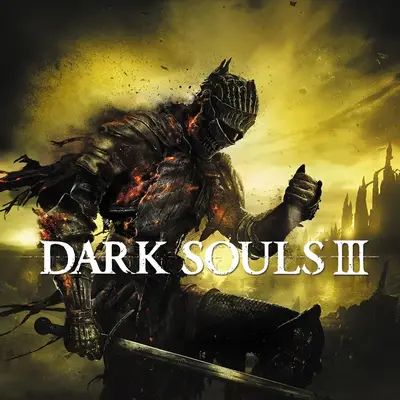
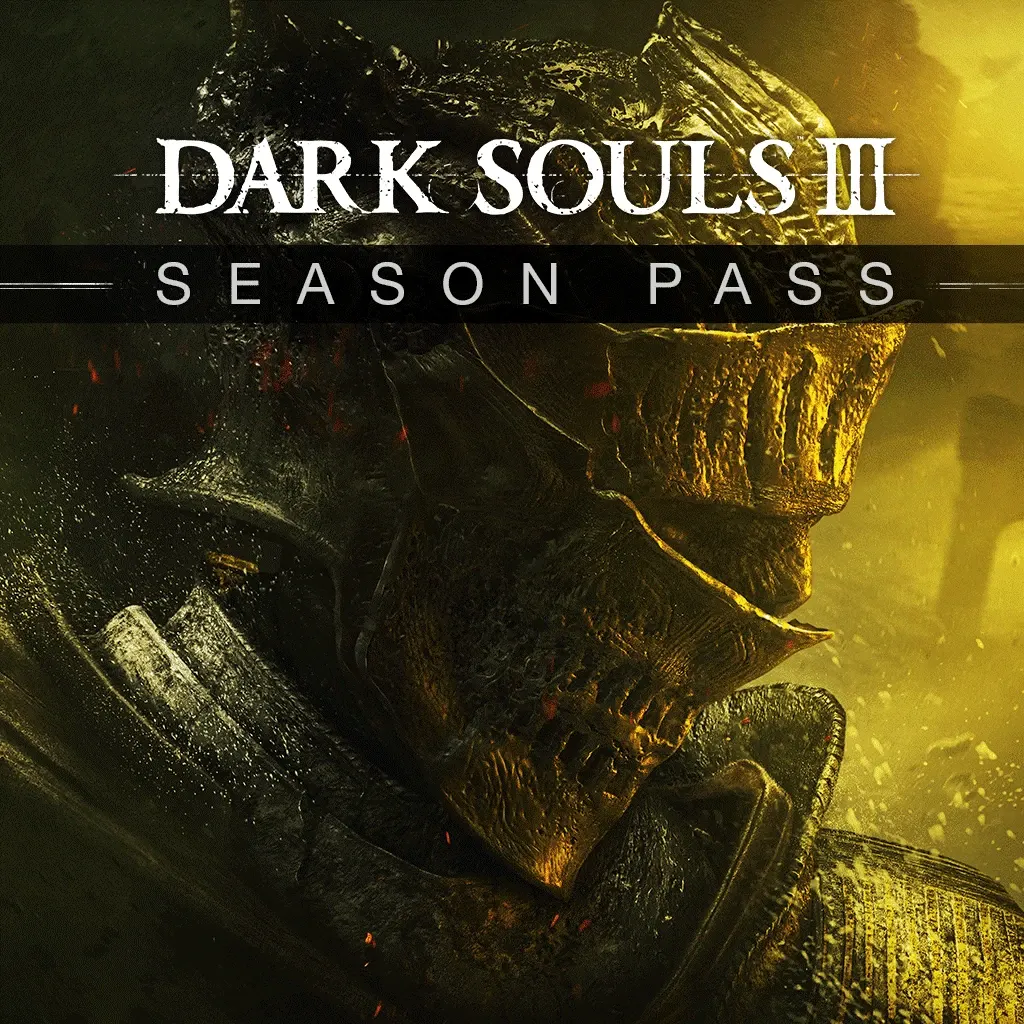
DARK SOULS III - Season Pass
In Ukr. UA the purchase is possible only with sign-in.
Details and description
- Platform
- PS4
About the add-on
Save money on content for this game by purchasing the Season Pass. Content can be downloaded from the PlayStation®Store or in-game once it is released. Winner of gamescom award 2015 'Best RPG' and over 35 E3 2015 Awards and Nominations, DARK SOULS™ III leads you once again into a challenging world of ruin and despair. Expand your DARK SOULS™ III experience with the Season Pass and gain access to 2 epic DLC packs at a discounted price. Challenge yourself with new maps, bosses, enemies and additional weapon and armor sets. Prepare yourself once more and embrace the darkness. • DLC 1 – Fall 2016 • DLC 2 – Early 2017
How is an order handled?
After the purchase you receive a set of PS Store gift codes worth the order and instructions: you redeem the codes to top up your wallet and buy the add-on yourself. No account details are needed.
Orders usually take 1–3 minutesYou pass your account details on the delivery page — PSN login, password and backup codes. The order is handled automatically, around the clock.
Orders usually take 10–15 minutesQuestions and answers
Which region should I pick to buy DARK SOULS III - Season Pass?
Every region has its quirks — a lower price, or no Russian language. Use the “PlayStation account region” switch to pick the one that suits you. Keep in mind that your PlayStation account region must match the one you pay in. Available regions: Turkey, Ukr. UA, India, UAE, Poland, USA.
How do I prepare my account for the “With sign-in” method?
Before paying:
1. Make sure your PSN password and two-factor backup codes work — the order cannot be completed with wrong details.
2. Turn off passwordless sign-in (passkey): the account needs a password and two-factor authentication.
3. Empty your PS Store cart.
4. Turn off the password prompt at checkout.
5. Remove all bank cards from the account.
6. If you are buying for a Ukr. UA account, spend the wallet balance beforehand: PS Store deducts it automatically at purchase.
7. For a US account, set a state without sales tax, such as Oregon.
With a prepared account, the order is completed fastest.
Why do the gift codes add up to more than the order price?
PS Store top-up cards come in fixed denominations (Turkey in multiples of 250 TRY, India 1000 INR, Poland 50 PLN, UAE 40 AED), so the set is picked for the nearest amount. The difference stays in your account wallet — you can spend it on anything else in the PS Store.
Does the add-on stay on the account forever?
Yes. The purchase happens on your own PlayStation account, so the add-on stays there for good — exactly as with a normal PS Store purchase.
What to do if something goes wrong with the order?
Open “Orders” in the site header, pick the order you need and write in the chat — you can attach a screenshot to your message. An operator replies.
Completed orders only
Customer reviews
There are no reviews of DARK SOULS III - Season Pass yet. The store has 35 reviews of completed orders, 6 of them about PlayStation products.
Read reviewsYou might also like