Guest17 Oct 2026
OK
Translated from Russian
Enter the email you used at checkout — we will show your orders and open a chat with support.
We have sent a code to . Enter it to open your orders. You only need the code once — after that this browser will recognize you on its own. The letter only goes to the email the order was placed with.
Home · PlayStation · Poppy Playtime: Chapter 2
PlayStation·game
In Ukr. UA the purchase is possible only with sign-in.
Voice-over
Interface and subtitles
No information about supported languages.
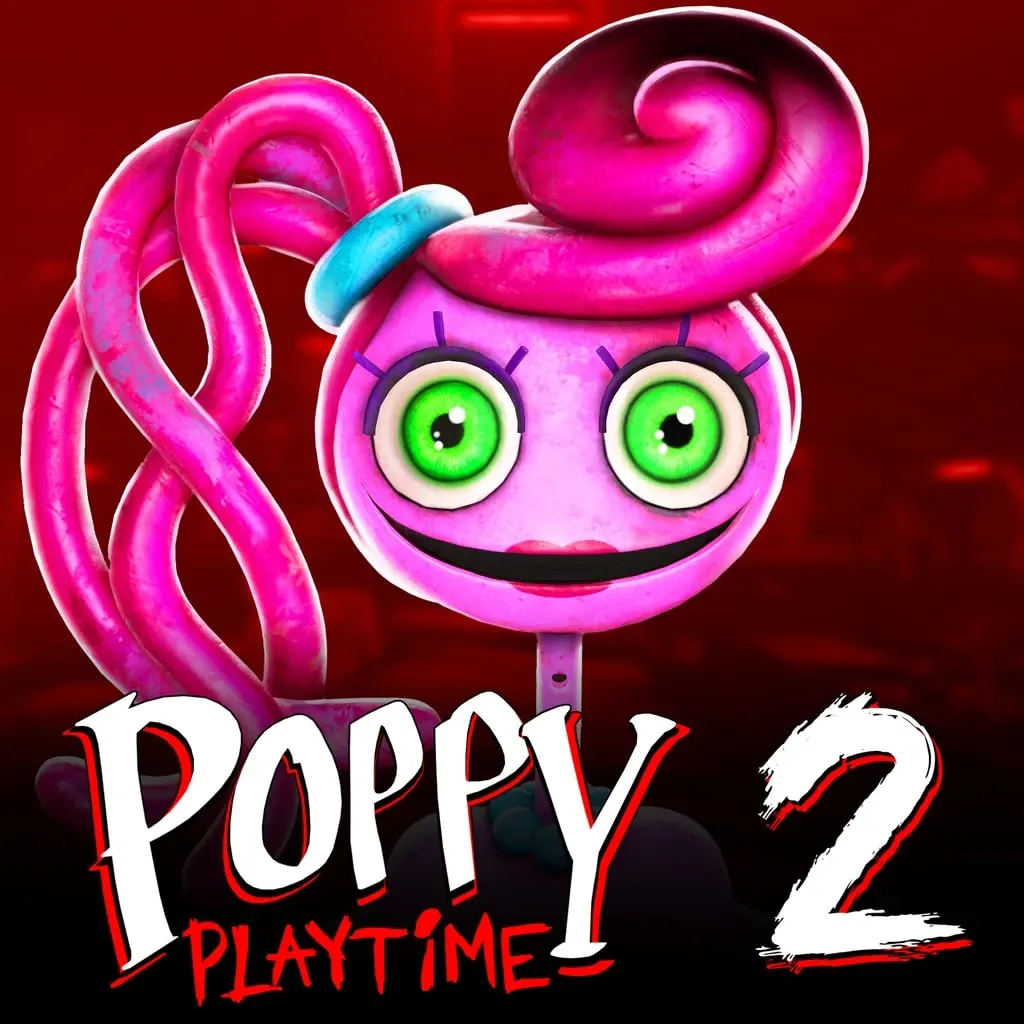
Set in the Playtime Co. toy factory, the horror sequel follows the descent deeper into the facility after encountering Huggy Wuggy and freeing Poppy. Players explore the Game Station, solve puzzles and stay stealthy to avoid Mommy Long Legs. The GrabPack gains new abilities, and new toys such as Bunzo Bunny and PJ Pug-a-Pillar appear. Minigames are included, and failure can be deadly.
Description from PS Store
After a run in with Huggy Wuggy and freeing Poppy, you must descend deeper into the Playtime Co. toy factory. Challenging puzzles and horrific toys await. Grapple, swing, and power your way to safety. Try to escape- and don't let Mommy find you. Continue to explore the depths of Playtime Co. in search of answers. Your journey to discover what has happened within the factory is just beginning… • Team up with Poppy to escape to safety. • The Game Station is an immense new location to explore. • Try to keep a low profile. You wouldn’t want Mommy Long Legs to catch you… • Play new minigames, but beware: Failure could be deadly. • New toys such as Bunzo Bunny and PJ Pug-a-Pillar can’t wait to meet you! • The GrabPack gains some new abilities, allowing for new puzzling obstacles Your ticket to freedom from Playtime Co. awaits…
After the purchase you receive a set of PS Store gift codes worth the order and instructions: you redeem the codes to top up your wallet and buy the game yourself. No account details are needed.
Orders usually take 1–3 minutesYou pass your account details on the delivery page — PSN login, password and backup codes. The order is handled automatically, around the clock.
Orders usually take 10–15 minutesInterface and subtitles: Russian, English, Spanish, French, German, Italian, Japanese, Korean, Portuguese (Brazil), Ukrainian. Voice-over: English. The set of languages depends on the account region and on the edition — the one shown here is for your current choice.
Every region has its quirks — a lower price, or no Russian language. Use the “PlayStation account region” switch to pick the one that suits you. Keep in mind that your PlayStation account region must match the one you pay in. Available regions: Turkey, Ukr. UA, India, UAE, Poland, USA.
Before paying:
1. Make sure your PSN password and two-factor backup codes work — the order cannot be completed with wrong details.
2. Turn off passwordless sign-in (passkey): the account needs a password and two-factor authentication.
3. Empty your PS Store cart.
4. Turn off the password prompt at checkout.
5. Remove all bank cards from the account.
6. If you are buying for a Ukr. UA account, spend the wallet balance beforehand: PS Store deducts it automatically at purchase.
7. For a US account, set a state without sales tax, such as Oregon.
With a prepared account, the order is completed fastest.
PS Store top-up cards come in fixed denominations (Turkey in multiples of 250 TRY, India 1000 INR, Poland 50 PLN, UAE 40 AED), so the set is picked for the nearest amount. The difference stays in your account wallet — you can spend it on anything else in the PS Store.
Yes. The purchase happens on your own PlayStation account, so the game stays there for good — exactly as with a normal PS Store purchase.
Tick “PSN account registration” at checkout and we will register a new account in the region you paid for — 150 ₽, or free on orders from 5 000 ₽ without signing in or from 5 130 ₽ with sign-in. The account is entirely yours: the email, the password and every purchase stay with you.
Open “Orders” in the site header, pick the order you need and write in the chat — you can attach a screenshot to your message. An operator replies.
A review can only be left by a buyer whose order has been completed, one review per order. Reviews appear straight away, and we do not hide the “negative” ones — they are shown alongside the rest.
Completed orders only
Happy with their purchase
100%
1 of 1 review
Guest17 Oct 2026
OK
You might also like