Home · Services · Rockstar Games · Grand Theft Auto V
Services·Rockstar Games
Grand Theft Auto V activation key
Key on the order page · no account login · automatic 24/7
How to redeem
- 1Install the Rockstar Games Launcher and sign in to your account.
- 2Choose “Redeem Code”.
- 3Enter the code from your order and confirm the activation.
- 4The game appears in the launcher library.
Description
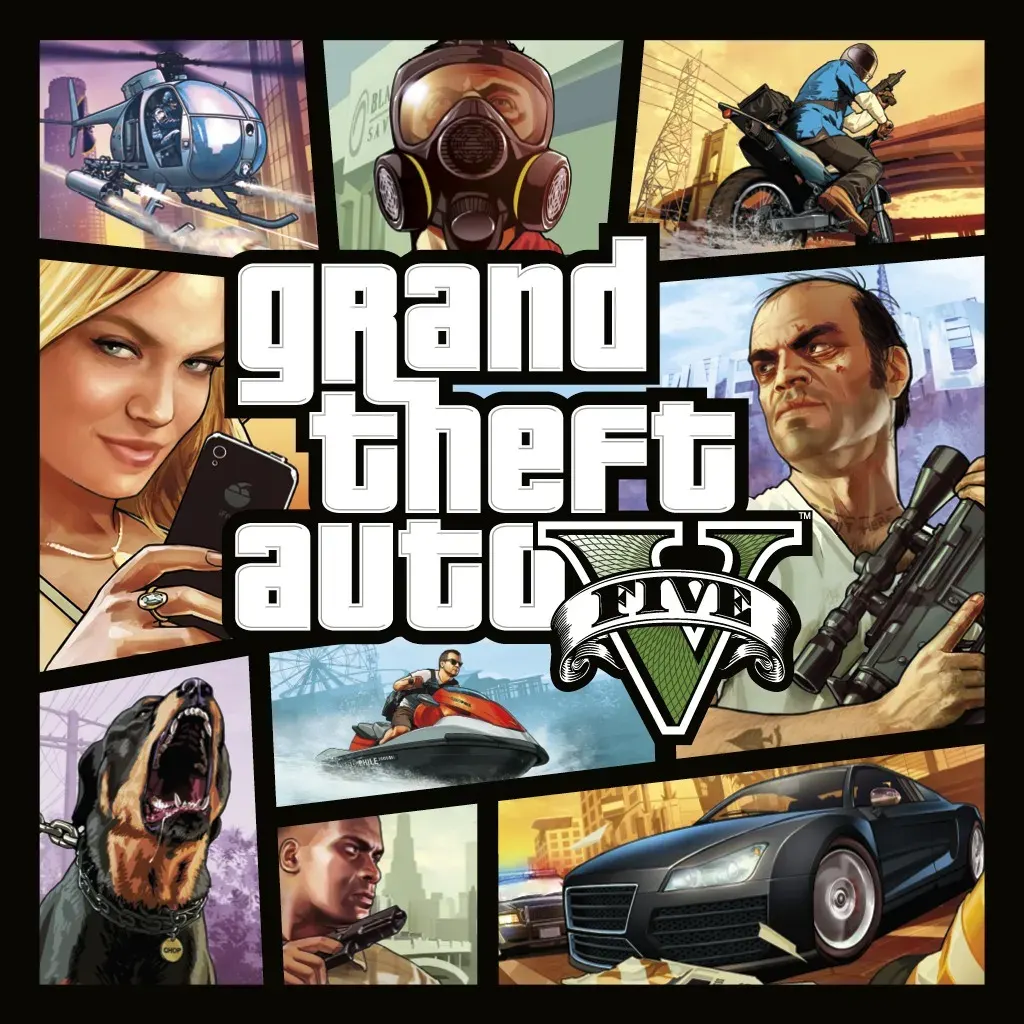
Grand Theft Auto V (GTA V) is an open world action game from Rockstar Games. The story revolves around three characters - a retired robber Michael, a street guy Franklin and a psychopath Trevor. Together they commit daring robberies in the sunny city of Los Santos.
Questions and answers
How do I get the Grand Theft Auto V key?
The key appears on the order page right after payment, and the order details go to the email you entered.
Do you need access to my account?
No. You activate the key yourself — we never ask for a login or password.
How quickly is an order completed?
After payment the activation key is delivered automatically — usually within a couple of minutes. Delays happen occasionally.
Can I give the Grand Theft Auto V key as a gift?
Yes. Until the key is activated it is not tied to anything — just forward it to the person you are gifting.
What to do if the key does not activate?
Check the steps in the “How to activate” block. If the key is still not accepted, write to us in the order chat.
Services