


Home · Steam games · Beyond: Two Souls
Steam·activation key
Beyond: Two Souls
How to redeem the key
- 1Open Steam and sign in to your account.
- 2In the top menu choose “Games” → “Activate a Product on Steam…”.
- 3Enter the code you received and confirm the activation.
- 4Once activated, the game appears in your library — download it and play.
Before buying, make sure the country of your account is supported by the key region.
Details and languages
- Developer
- Quantic Dream
- Publisher
- Quantic Dream
- Release date
- 18 Jun 2020
- Genres
- Action, Adventure
- Russian language
- Yes, with voice-over
- Steam App ID
- 960990
Voice-over
- Russian
- English
- Spanish
- French
- German
- Portuguese
- Italian
- Polish
- Japanese
- Spanish (Latin America)
- Dutch
- Portuguese (Brazil)
Interface and subtitles
- Russian
- English
- Spanish
- French
- German
- Portuguese
- Italian
- Polish
- Turkish
- Japanese
- Korean
- Simplified Chinese
- Hungarian
- Greek
- Danish
- Spanish (Latin America)
- Traditional Chinese
- Dutch
- Norwegian
- Portuguese (Brazil)
- Finnish
- Czech
- Swedish
No information about supported languages.
Languages are listed as reported by Steam. Please check them before buying: a key cannot be refunded once activated.
Before you buy Beyond: Two Souls
- Which key
- The “Global” region key: 170 ₽, can be activated in Russia.
- Game modes
- Single-player, co-op on one screen.
- Gamepad
- Full support.
- Scores
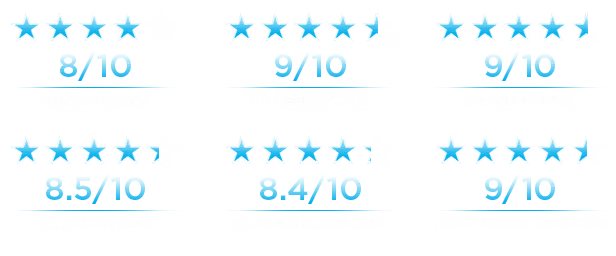
- 36,936 reviews on Steam.
- Age rating
- 16+
About the game
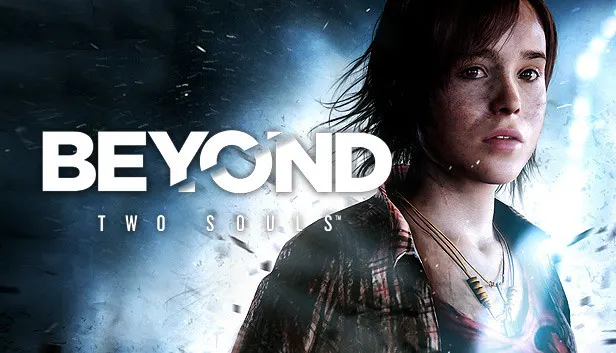
Beyond: Two Souls is a psychological action thriller developed and published by Quantic Dream, released on PC in 2020. The story follows Jodie Holmes, who from birth shares a connection with a mysterious entity named Aiden that possesses unusual powers. Players live through part of her life, making choices and taking actions that shape her fate as she seeks to understand her own nature. Control alternates between Jodie and Aiden, and the story can be played in cinematic or chronological order. The game offers two difficulty modes, a single-player campaign and local co-op on one screen with a separate controller for each player. The full PC edition includes the Advanced Experiments DLC mission from the PlayStation release, and the PC version supports 4K resolution, 60 fps and 21:9 ultrawide monitors.
Description from Steam
Triple-A talent and storytelling brings you a video game experience like you’ve never had before.
LIVE AN EXTRAORDINARY LIFE: ONE LIFE, TWO SOULS

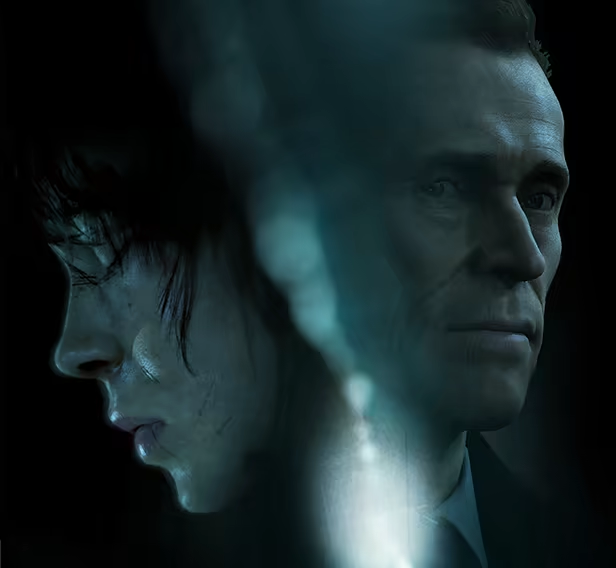
A unique psychological action thriller delivered by A-list Hollywood performances by Elliot Page and Willem Dafoe, Beyond: Two Souls™ takes you on a thrilling journey across the globe as you play out the remarkable life of Jodie Holmes.
Born with a connection to a mysterious entity with incredible powers, Jodie is different.
Your actions will determine Jodie's fate as she faces extraordinary challenges, danger, and heart-wrenching loss on a journey to discover the truth of who she is.
Create an action-packed story through your choices and actions as you live her life – a girl born with a link to a supernatural entity called Aiden.
By playing as both Jodie and Aiden, you will face spectacular physical and psychological challenges to understand what truly lies… beyond.
TEST YOUR SKILLS WITH ‘ADVANCED EXPERIMENTS’
The original DLC mission from the PlayStation™ releases is included in the full PC game. The entire game is playable in two difficulty modes, and in Solo or Duo mode.
PLAY THE STORY THE WAY YOU WANT
Cinematic or chronological order? Select the way you want to experience the story, and even play in local co-op mode using two different controllers for each player – one to play as Jodie and the other to play as Aiden. Play the way you want to play.
FULLY OPTIMIZED FOR PC
Beyond: Two Souls is brought to PC with stunning visuals including 4K resolution, widescreen 21:9 compatibility, and 60 fps framerate.
System requirements
WindowsRequires a 64-bit processor and operating system
Questions and answers
Does Beyond: Two Souls have Russian language support?
Voice-over: Russian, English, Spanish, French, German, Portuguese, Italian, Polish, Japanese, Spanish (Latin America), Dutch, Portuguese (Brazil). Interface and subtitles: Russian, English, Spanish, French, German, Portuguese, Italian, Polish, Turkish, Japanese, Korean, Simplified Chinese, Hungarian, Greek, Danish, Spanish (Latin America), Traditional Chinese, Dutch, Norwegian, Portuguese (Brazil), Finnish, Czech, Swedish.
Which regions does the key activate in?
The key activates with no regional restrictions — in any country, on a Steam account from any region. Once activated, the game stays on your account for good.
How soon does the code arrive after payment?
Keys are issued automatically, around the clock: the code appears on the order page within 2–3 minutes.
What to do if the key does not activate?
First check your Steam account region: the key activates in the countries of its own region, and a mismatch is the most common reason activation fails. If the region is right, open “Orders” in the site header, pick the order and write in the chat — you can attach a screenshot of the error, and an operator will help you.
Completed orders only
Customer reviews
There are no reviews of Beyond: Two Souls yet. The store has 35 reviews of completed orders, 21 of them about Steam products.
Read reviewsSteam · PC
Similar games


Countries where the key activates
Key region: —