


Home · Steam games · NBA 2K27
Steam·activation key
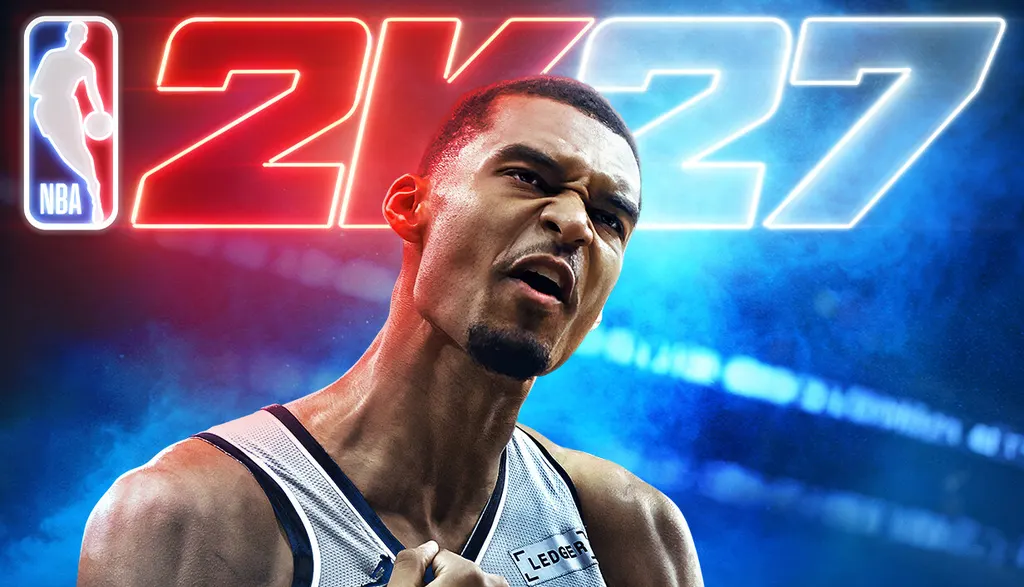
NBA 2K27
How to redeem the key
- 1Open Steam and sign in to your account.
- 2In the top menu choose “Games” → “Activate a Product on Steam…”.
- 3Enter the code you received and confirm the activation.
- 4Once activated, the game appears in your library — download it and play.
Before buying, make sure the country of your account is supported by the key region.
Details and languages
- Developer
- Visual Concepts
- Publisher
- 2K
- Release date
- 3 Sep 2026
- Genres
- Sports
- Russian language
- No
- Steam App ID
- 4356430
Voice-over
- English
Interface and subtitles
- English
- Spanish
- French
- German
- Italian
- Japanese
- Korean
- Simplified Chinese
- Traditional Chinese
- Portuguese (Brazil)
No information about supported languages.
Languages are listed as reported by Steam. Please check them before buying: a key cannot be refunded once activated.
Before you buy NBA 2K27
- Which key
- For an account from Russia, this “NBA 2K27” key works: CIS (4 930 ₽).
- Game modes
- Single-player, co-op online and on one screen, PvP online and on one screen.
- In-game purchases
- Yes.
- Scores
- 942 reviews on Steam.
- Age rating
- 16+
About the game
NBA 2K27 is a sports game developed by Visual Concepts and published by 2K, scheduled for release in 2026 on PC. Its core spans MyCAREER, MyTEAM and MyNBA, with gameplay built on the ProPLAY® technology that translates animations from real NBA action. MyCAREER lets players go through NBA history for the first time, competing against legends from five eras while creating a MyPLAYER and rewriting the record book. The City is a separate space where the player leads the next generation of MyPLAYERs, teams up with friends at the new Crew HQ and competes at The REC, Park and other courts. In MyTEAM, players collect NBA and WNBA stars and assemble lineup combinations, testing the squad in single-player and multiplayer challenges. Single-player, online and local co-op, and online and local PvP are supported; Play Now, MyNBA and The W work offline, while other modes require an Internet connection.
Description from Steam
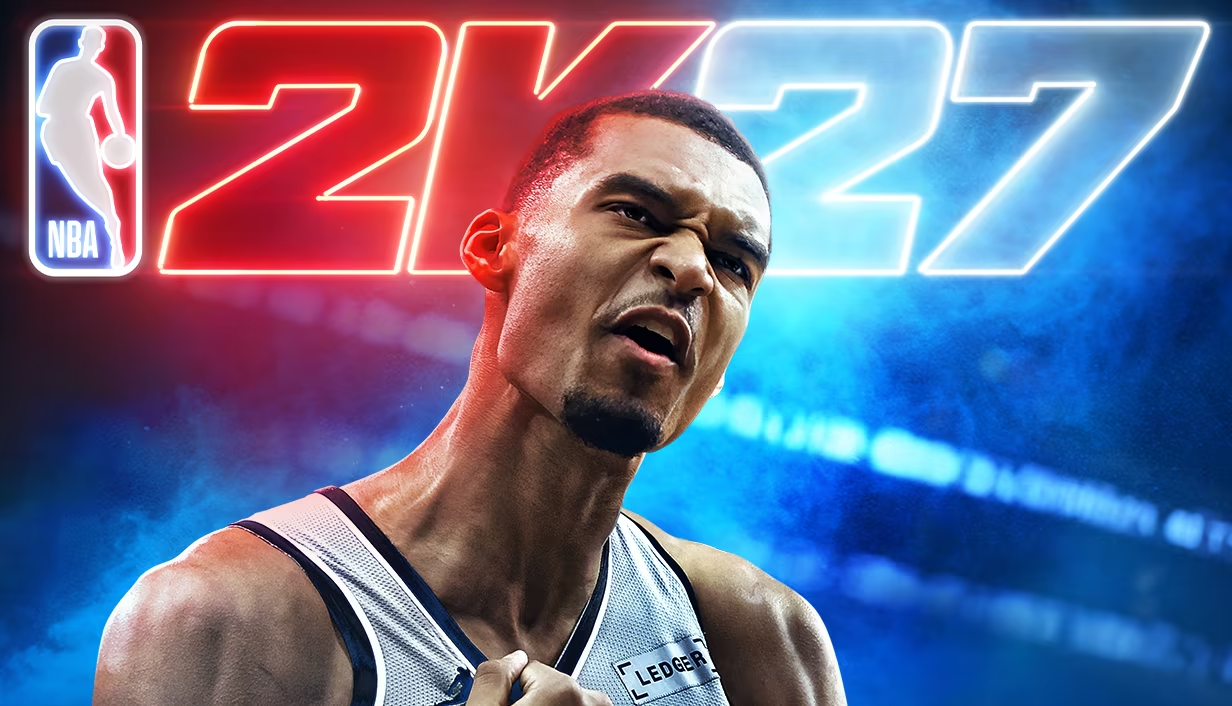
The hustle doesn’t stop and the run never ends in NBA 2K27. Chase greatness around the clock in MyCAREER*, MyTEAM, and MyNBA, and make your hoop dreams a reality.
THE CITY
Put The City on your back and lead the next generation of MyPLAYERs, representing every hooper, fueled by basketball. Let your passion power your unique style on and off the court, team up with friends at the all-new Crew HQ, and dominate the courts at The REC, Park, and beyond.
MyCAREER
For the first time in MyCAREER, play through NBA history and compete against legends from five iconic eras, and experience a legacy-defining story in the Modern Era. Create a MyPLAYER that transcends playstyles and rewrite the record book on your way to the Hall of Fame.
POWERED BY ProPLAY®
Master your skills with new gameplay animations directly translated from real NBA action. Use an array of ProPLAY® features to cook defenders with ankle-breaking crossovers, show off your range with enhanced shooting mechanics, and become a matchup nightmare every time you step on the court.
MyTEAM
Collect your favorite NBA and WNBA stars with ease and build a fantasy squad for the ages. Grow your collection and assemble endless lineup combinations. Take control of your MyTEAM and put it to the test in single-player and multiplayer modes, with challenges inspired by NBA performances.
*Internet connection and NBA 2K Account required to redeem and use bonus content. Terms apply.
Play Now, MyNBA, and The W are available offline. All other game modes and features require Internet connection, may require online account registration and may not be available to all users at all times.
System requirements
WindowsRequires a 64-bit processor and operating system
Questions and answers
Does NBA 2K27 have Russian language support?
Voice-over: English. Interface and subtitles: English, Spanish, French, German, Italian, Japanese, Korean, Simplified Chinese, Traditional Chinese, Portuguese (Brazil).
Which regions does the key activate in?
Pick the region that matches your Steam account region — otherwise the code may not activate. Activation countries by region:
CIS — Russia, Ukr. UA, Kazakhstan, Belarus, Armenia and 6 more countries;
Rest of the world — Afghanistan, Åland Islands, Albania, American Samoa, Andorra and 184 more countries.
Once activated, the game stays on your account for good.
How soon does the code arrive after payment?
Keys are issued automatically, around the clock: the code appears on the order page within 2–3 minutes.
What to do if the key does not activate?
First check your Steam account region: the key activates in the countries of its own region, and a mismatch is the most common reason activation fails. If the region is right, open “Orders” in the site header, pick the order and write in the chat — you can attach a screenshot of the error, and an operator will help you.
Completed orders only
Customer reviews
There are no reviews of NBA 2K27 yet. The store has 35 reviews of completed orders, 21 of them about Steam products.
Read reviewsSteam · PC
Similar games





Countries where the key activates
Key region: —