Home · Mobile games · Mobile Legends
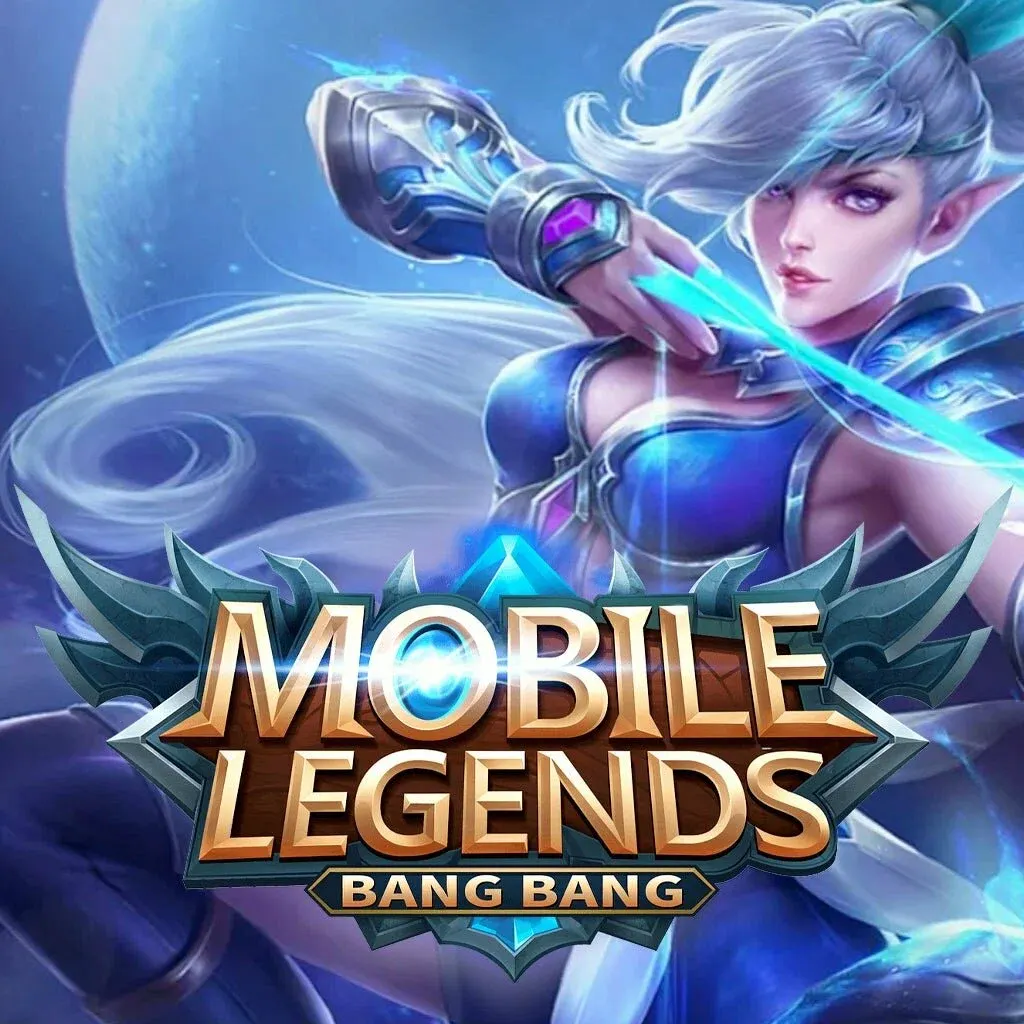
Mobile Legends
Top-up by Player ID · no account login · automatic 24/7
Sold: 3
Region
Pack
Recipient
Player ID
Fill in this field
Zone ID
Fill in this field
Payment method
Email to receive the order
Enter a valid email
Promo code
Total—
By paying you agree to the terms of service and the privacy policy. A fee may apply to refunds.
Description
Mobile Legends top-up by player ID. You buy Diamonds — the currency for heroes, skins and passes. No account login needed: give us your ID and server ID, and the diamonds land on your profile right after payment.
Where to find Player ID
- Open your profile in Mobile Legends and copy the Player ID and the Zone ID.
- Choose a denomination and enter the Player ID in the order form.
- Pay for the order.
- Wait for the in-game currency to arrive.
Give the ID and the Zone ID — the number in brackets after the ID in your game profile.
Questions and answers
Do you need access to my Mobile Legends account?
No. All we need is your Player ID — we never ask for a login or password, and you do not have to sign in anywhere.
How soon will the currency arrive?
After payment the currency is credited to your game account automatically — usually within a couple of minutes. Delays happen occasionally.