


Home · Steam games · Discounty
Steam·activation key
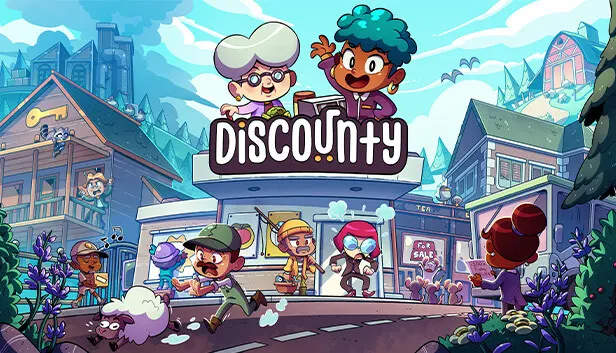
Discounty
How to redeem the key
- 1Open Steam and sign in to your account.
- 2In the top menu choose “Games” → “Activate a Product on Steam…”.
- 3Enter the code you received and confirm the activation.
- 4Once activated, the game appears in your library — download it and play.
Before buying, make sure the country of your account is supported by the key region.
Details and languages
- Developer
- Crinkle Cut Games
- Publisher
- PQube
- Release date
- 21 Aug 2025
- Genres
- Casual, RPG, Simulation
- Russian language
- No
- Steam App ID
- 2274620
Voice-over
Interface and subtitles
- English
- Spanish
- French
- German
- Italian
- Japanese
- Korean
- Simplified Chinese
- Danish
- Traditional Chinese
- Portuguese (Brazil)
No information about supported languages.
Languages are listed as reported by Steam. Please check them before buying: a key cannot be refunded once activated.
Before you buy Discounty
- Game modes
- Single-player only.
- Gamepad
- Full support, including DualSense.
- Scores
- 2,312 reviews on Steam.
- Age rating
- 3+
About the game
Discounty is a management sim with a narrative-driven single-player campaign lasting 20-25 hours. The protagonist is put in charge of the only supermarket in the harbour town of Blomkest at the request of their aunt. Running the store involves arranging shelves and products, setting up departments, keeping the storage room and stock in order, cleaning floors and serving customers at the checkout so that queues do not build up. Profits are reinvested into expanding the shop and advertising it around town, while earning manufacturers' trust leads to trade deals and the sale of local specialty goods. Outside business hours the player can explore Blomkest, meet the townsfolk and uncover the town's secrets, though rapid growth may upset some residents. Appearance, outfit and name are chosen before the game begins.
Description from Steam
Discounty is a narrative-driven management sim offering a 20-25 hour single-player campaign.
Manage your own discount supermarket! Get caught up in small-town drama, organise and plan your shop's layout, and strike lucrative trade deals as you expand your secretive aunt's business empire. Selling more frozen fries will surely heal this broken community...right?
Step into the quirky harbour town of Blomkest, where your aunt has entrusted you with managing its only supermarket. Design and organise your shop, manage stock levels, work the checkout, and strike trade deals. Build relationships with the charming locals, and grow your business empire while navigating community dynamics. Use every tool at your disposal to expand your business, but be mindful: rapid growth might ruffle a few feathers in this tight-knit community. Will you pursue endless profits, or find a way to benefit everyone in Blomkest?
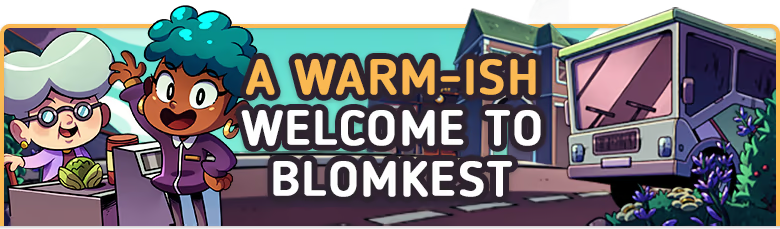
Your aunt has invited you to manage the local store, 'Discounty', in the run-down harbour town of Blomkest. But beware, not everyone wants you to succeed.
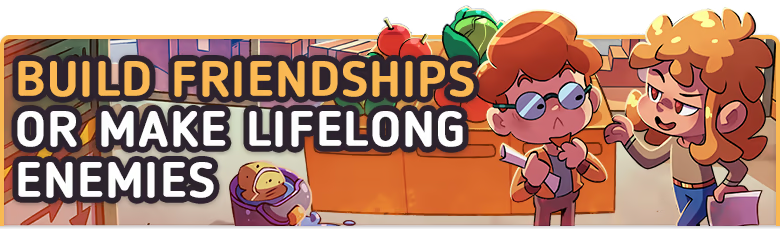
Explore Blomkest after business hours and get to know the townsfolk. Turn them into loyal patrons of Discounty and uncover the town's hidden secrets.
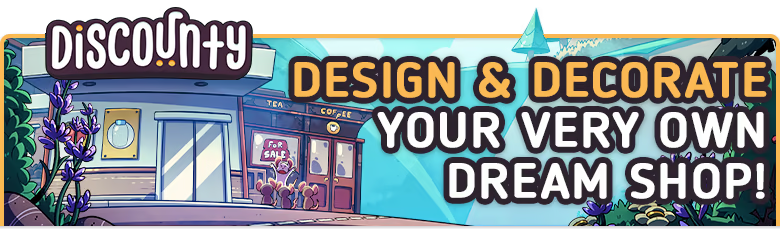
Create an eye-catching, efficient store by rearranging shelves and products. Design inviting aisles for easy navigation and add decorations to encourage purchases!
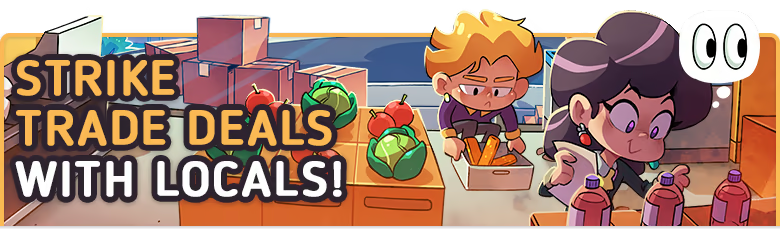
Blomkestians don't take well to newcomers. Gain manufacturers' trust, make trade deals, and sell local specialty goods to boost Discounty profits!
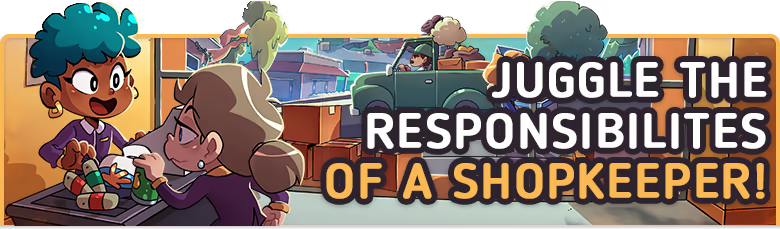
Keep shelves stocked, floors clean, and the storage room organised. Ring up customers shopping promptly to keep them happy! No one likes waiting around...
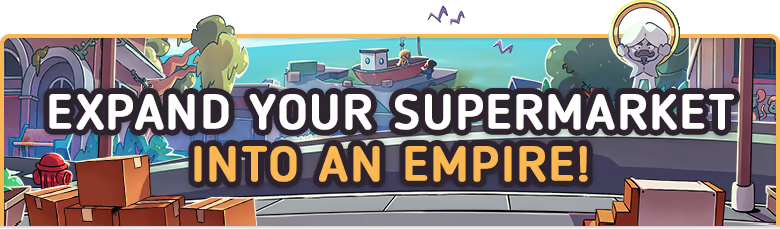
As profits soar, reinvest and grow! Expand your shop to stock more goods and advertise it around town!
Choose your appearance, handpick your outfit, and pick a name that reflects your unique style. Your ever-wise Aunt will always recognise you, no matter your chosen guise.
System requirements
WindowsQuestions and answers
Does Discounty have Russian language support?
Interface and subtitles: English, Spanish, French, German, Italian, Japanese, Korean, Simplified Chinese, Danish, Traditional Chinese, Portuguese (Brazil).
Which regions does the key activate in?
The key activates with no regional restrictions — in any country, on a Steam account from any region. Once activated, the game stays on your account for good.
How soon does the code arrive after payment?
Keys are issued automatically, around the clock: the code appears on the order page within 2–3 minutes.
What to do if the key does not activate?
First check your Steam account region: the key activates in the countries of its own region, and a mismatch is the most common reason activation fails. If the region is right, open “Orders” in the site header, pick the order and write in the chat — you can attach a screenshot of the error, and an operator will help you.
Completed orders only
Customer reviews
There are no reviews of Discounty yet. The store has 35 reviews of completed orders, 21 of them about Steam products.
Read reviewsSteam · PC
Similar games










Countries where the key activates
Key region: —