


Home · Steam games · Arizona Sunshine VR 2
Steam·activation key
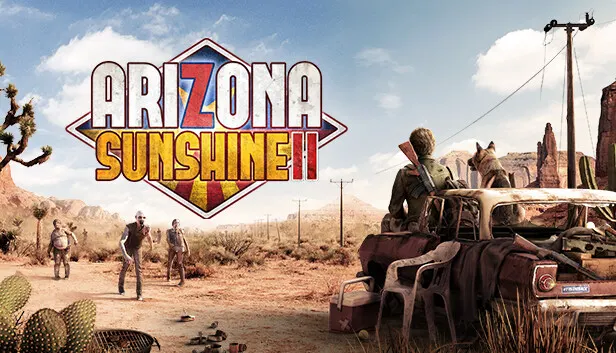
Arizona Sunshine VR 2
How to redeem the key
- 1Open Steam and sign in to your account.
- 2In the top menu choose “Games” → “Activate a Product on Steam…”.
- 3Enter the code you received and confirm the activation.
- 4Once activated, the game appears in your library — download it and play.
Before buying, make sure the country of your account is supported by the key region.
Details and languages
- Developer
- Vertigo Games
- Publisher
- Vertigo Games
- Release date
- 7 Dec 2023
- Genres
- Action, Adventure
- Russian language
- No
- Steam App ID
- 1540210
Voice-over
- English
Interface and subtitles
- English
- French
- German
- Italian
- Polish
- Japanese
- Korean
- Simplified Chinese
- Spanish (Latin America)
- Portuguese (Brazil)
No information about supported languages.
Languages are listed as reported by Steam. Please check them before buying: a key cannot be refunded once activated.
Before you buy Arizona Sunshine VR 2
- Which key
- The “Arizona Sunshine VR 2” key, region “Global”: 780 ₽, can be activated in Russia.
- Game modes
- VR headset only, single-player, co-op online.
- Scores
- 2,250 reviews on Steam.
About the game
Arizona Sunshine 2 is a VR action game set in a zombie-infested Arizona, continuing the story of a dark-humored protagonist. The hero sets out on a new adventure in search of answers, fighting off zombies referred to as Freds. Combat features both all-new and fan-favorite weapons, including shotguns, machetes, and flamethrowers. A four-legged companion named Buddy joins the hero and helps take down enemies. The campaign can be played solo or in two-player online co-op, while a four-player Horde mode is also available, with additional free maps planned throughout the first year. The game is played exclusively with a VR headset.
Description from Steam
Sharpen your machete and load your shotgun: It's time to say hello to your old pal, Fred.
Arizona Sunshine® 2, the next-gen sequel to the fan-favorite VR apocalypse, packs even more gore-geous zombie action!
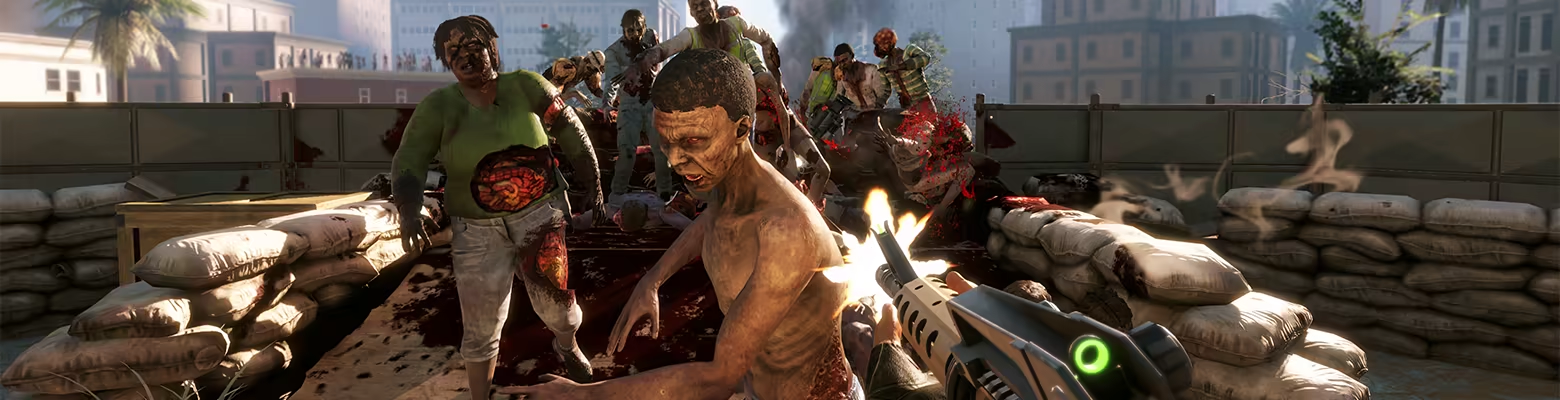
Welcome back to sun-kissed, zombified Arizona. Narrated by the unmistakable quips of our dark-humored protagonist, Arizona Sunshine 2 sets you on an all-new limb-strewn adventure in search of answers. In a post-apocalyptic world where every bullet counts, experience the thrill of realistic combat as you wield all-new and fan-favorite weapons--from shotguns to machetes and flamethrowers.
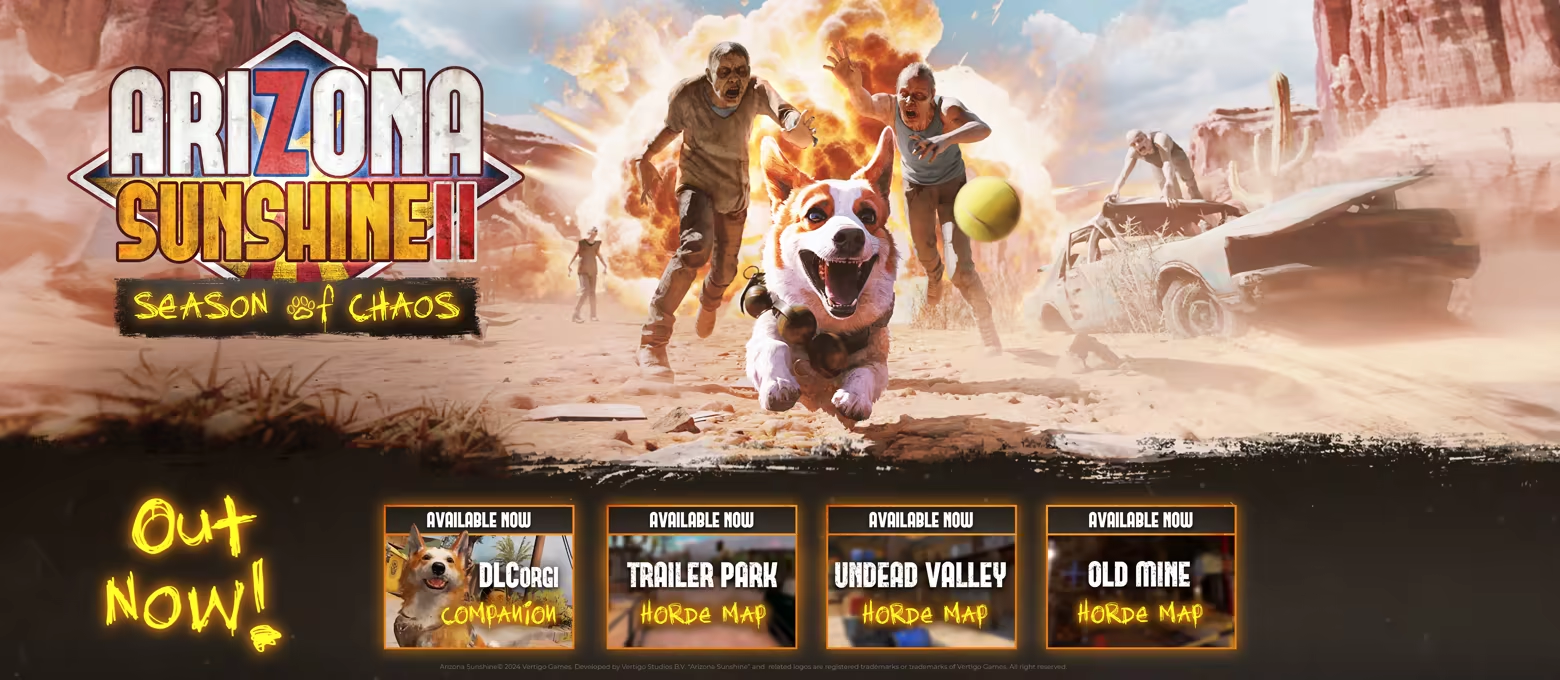
And what's better than braving the end of the f*cking world? Surviving it with your new best friend--Buddy. Not only is Buddy your four-legged companion through thick and thin, he’s also the goodest boy and will help take down those pesky Freds for you. And that's not all, because fan-favorite co-op mode makes its return as well.
In a desolate world, suddenly you’re not so alone anymore. It’s funny how things go.
- Form an unexpected friendship as you set out on a cinematic VR journey of intense survival
- Experience the thrill of combat as you physically wield weapons, from shotguns to machetes--and flamethrowers
- Explore gore-geous, next-gen VR environments, all the way to the end of the f*cking world
- Discover all the ways to slay a Fred through a brand-new, next-gen mutilation and gore system
- Enjoy the full campaign from a new perspective with a friend in 2-player co-op
- Join up to three other players in 4-player co-op Horde mode, with additional free maps dropping across Year 1!
System requirements
WindowsRequires a 64-bit processor and operating system
Questions and answers
Does Arizona Sunshine VR 2 have Russian language support?
Voice-over: English. Interface and subtitles: English, French, German, Italian, Polish, Japanese, Korean, Simplified Chinese, Spanish (Latin America), Portuguese (Brazil).
Which regions does the key activate in?
The key activates with no regional restrictions — in any country, on a Steam account from any region. Once activated, the game stays on your account for good.
How soon does the code arrive after payment?
Keys are issued automatically, around the clock: the code appears on the order page within 2–3 minutes.
What to do if the key does not activate?
First check your Steam account region: the key activates in the countries of its own region, and a mismatch is the most common reason activation fails. If the region is right, open “Orders” in the site header, pick the order and write in the chat — you can attach a screenshot of the error, and an operator will help you.
Completed orders only
Customer reviews
There are no reviews of Arizona Sunshine VR 2 yet. The store has 35 reviews of completed orders, 21 of them about Steam products.
Read reviewsSteam · PC
Similar games








Countries where the key activates
Key region: —