


Home · Steam games · Among Us
Steam·activation key
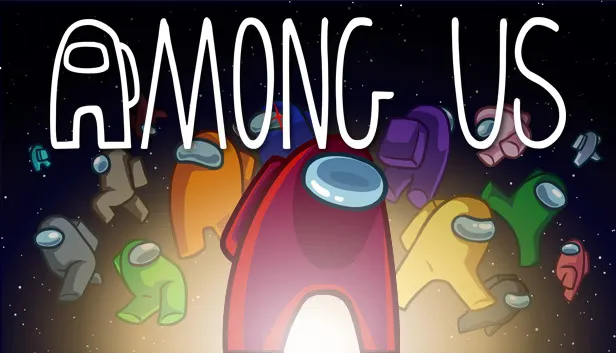
Among Us
How to redeem the key
- 1Open Steam and sign in to your account.
- 2In the top menu choose “Games” → “Activate a Product on Steam…”.
- 3Enter the code you received and confirm the activation.
- 4Once activated, the game appears in your library — download it and play.
Before buying, make sure the country of your account is supported by the key region.
Details and languages
- Developer
- Innersloth
- Publisher
- Innersloth
- Release date
- 16 Nov 2018
- Genres
- Casual
- Russian language
- Yes, interface and subtitles
- Steam App ID
- 945360
Voice-over
Interface and subtitles
- Russian
- English
- Spanish
- French
- German
- Portuguese
- Italian
- Japanese
- Korean
- Simplified Chinese
- Spanish (Latin America)
- Traditional Chinese
- Dutch
- Portuguese (Brazil)
No information about supported languages.
Languages are listed as reported by Steam. Please check them before buying: a key cannot be refunded once activated.
Before you buy Among Us
- Which key
- The “Global” region key: 300 ₽, can be activated in Russia.
- Game modes
- Co-op online and over LAN, PvP online and over LAN, cross-platform play.
- Gamepad
- Full support.
- In-game purchases
- Yes.
- Scores
- 657,878 reviews on Steam.
About the game
Among Us is a casual game from Innersloth released in 2018, in which 4 to 15 players board a spaceship and try to prepare it for departure. One or more random players are Impostors who aim to kill the rest of the Crew. The Crew wins by completing all tasks or ejecting every Impostor, while the Impostors win by eliminating the Crew and maintaining alibis. Mechanics include sabotages that must be undone quickly, monitoring others through the Admin map and Security cameras, emergency meetings, and voting to eject suspects. Matches can be played online or via local WiFi, with cross-platform play between PC, Android, and iOS. The game offers in-game text chat, Discord integration, character customization, and extensive game options such as adding more Impostors and tasks. There are Classic and Hide n Seek modes, as well as four maps: The Skeld, MIRA HQ, Polus, and the Airship.
Description from Steam
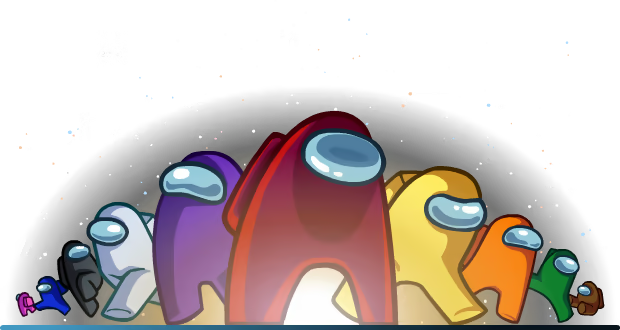
Play with 4-15 player online or via local WiFi as you attempt to prepare your spaceship for departure, but beware as one or more random players among the Crew are Impostors bent on killing everyone!
Originally created as a party game, we recommend playing with friends at a LAN party or online using voice chat. Enjoy cross-platform play between Android, iOS, PC, and console.

- Win by completing tasks to prepare the ship or ejecting all Impostors.
- React quickly to undo the Impostor's sabotages.
- Check the Admin map and Security cameras to keep tabs on other Crewmates.
- Report any dead bodies immediately to start discussion of who the suspected Impostor is.
- Call emergency meetings to discuss suspicious behavior.
- Vote to eject suspected Impostors.

- Kill Crewmates and frame bystanders.
- Pretend to run tasks to blend in with the crewmates.
- Sneak through the vents to quickly move about the ship.
- Use sabotages to cause chaos and divide the crew.
- Close doors to trap victims and kill in private.
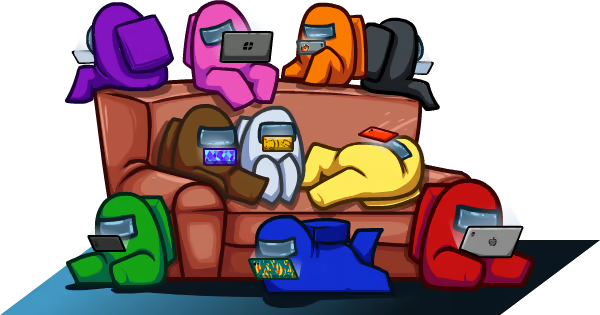
Features
- Customization: Pick your color, hat, visor, skin, and pet.
- Lots of game options: Add more Impostors, more tasks, different roles, and so much more!
- Different modes to choose from: Classic or Hide n Seek.
- 4 different maps to play in: The Skeld, MIRA HQ, Polus, and the Airship.
- Quickly find a game online from the host list.
- In-game text chat.
- Rich Discord integration.
- Cross-platform play between PC, console, Android, and iOS!
System requirements
WindowsQuestions and answers
Does Among Us have Russian language support?
Interface and subtitles: Russian, English, Spanish, French, German, Portuguese, Italian, Japanese, Korean, Simplified Chinese, Spanish (Latin America), Traditional Chinese, Dutch, Portuguese (Brazil).
Which regions does the key activate in?
The key activates with no regional restrictions — in any country, on a Steam account from any region. Once activated, the game stays on your account for good.
How soon does the code arrive after payment?
Keys are issued automatically, around the clock: the code appears on the order page within 2–3 minutes.
What to do if the key does not activate?
First check your Steam account region: the key activates in the countries of its own region, and a mismatch is the most common reason activation fails. If the region is right, open “Orders” in the site header, pick the order and write in the chat — you can attach a screenshot of the error, and an operator will help you.
Completed orders only
Customer reviews
There are no reviews of Among Us yet. The store has 35 reviews of completed orders, 21 of them about Steam products.
Read reviewsSteam · PC
Similar games



Countries where the key activates
Key region: —